FortiMail – Howto enable DLP

FortiMail has the option to use Data Loss Prevention as enhanced security mechanism. This feature is introduced in firmware 5.3, according to the release notes. By default the DLP option is not visible on the GUI.
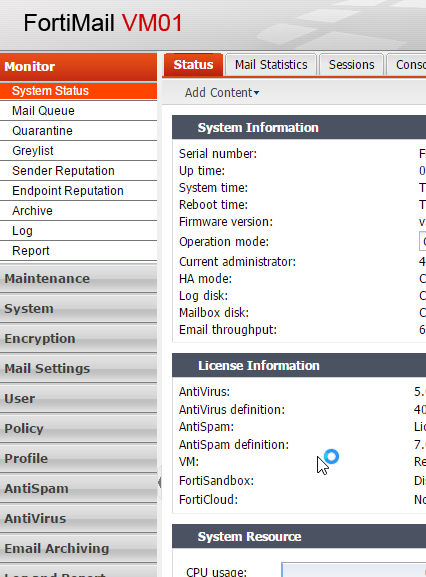
DLP can be enabled via the CLI, but it is a well hidden feature. The option can be enabled from the “system global” configuration. When you do a “get” or “set ?” from the “system global” menu, you don’t see the option, but you are able to type it manually.
mail # config system global
mail (global) # set data-loss-prevention enable
mail (global) # end
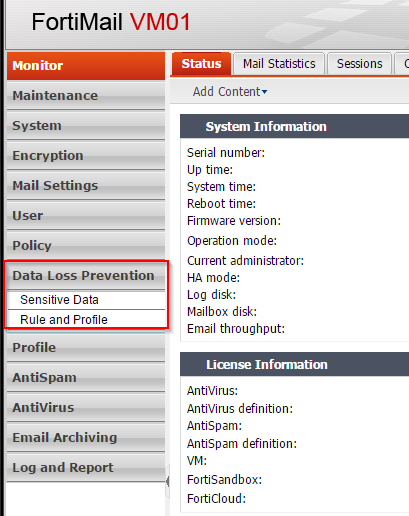
This enables DLP and adds a new configuration menu to the GUI.


René Jorissen
Latest posts by René Jorissen (see all)
- Uninstalling the HPE Axis Connector on Ubuntu - December 17, 2025
- Troubleshooting: FortiGate and RADIUS - December 12, 2025
- MacOS Big Sur and SSLKEYFILELOG - November 23, 2021
[…] ← Previous […]